Photo text editor online
Edit text in image files without the original design. Cover a word and type its replacement. Try AI for a difficult background.
JPG, PNG, WebP up to 10 MB. Free local tools need no sign up.
Or paste a screenshot (Ctrl+V / ⌘V).
JPG, PNG, WebP. Maximum 10 MB.
Try photo text editor with a sample
Cover the selected word, then type its replacement.
Upload a picture to start.
Local tools keep your picture in the browser without uploading it.
- Free local tools, no sign up
- Local edits keep images in your browser
- Local downloads have no watermark


Photo text editor examples
Use a photo text editor to fix a word in an existing picture. Compare each selected word before and after.
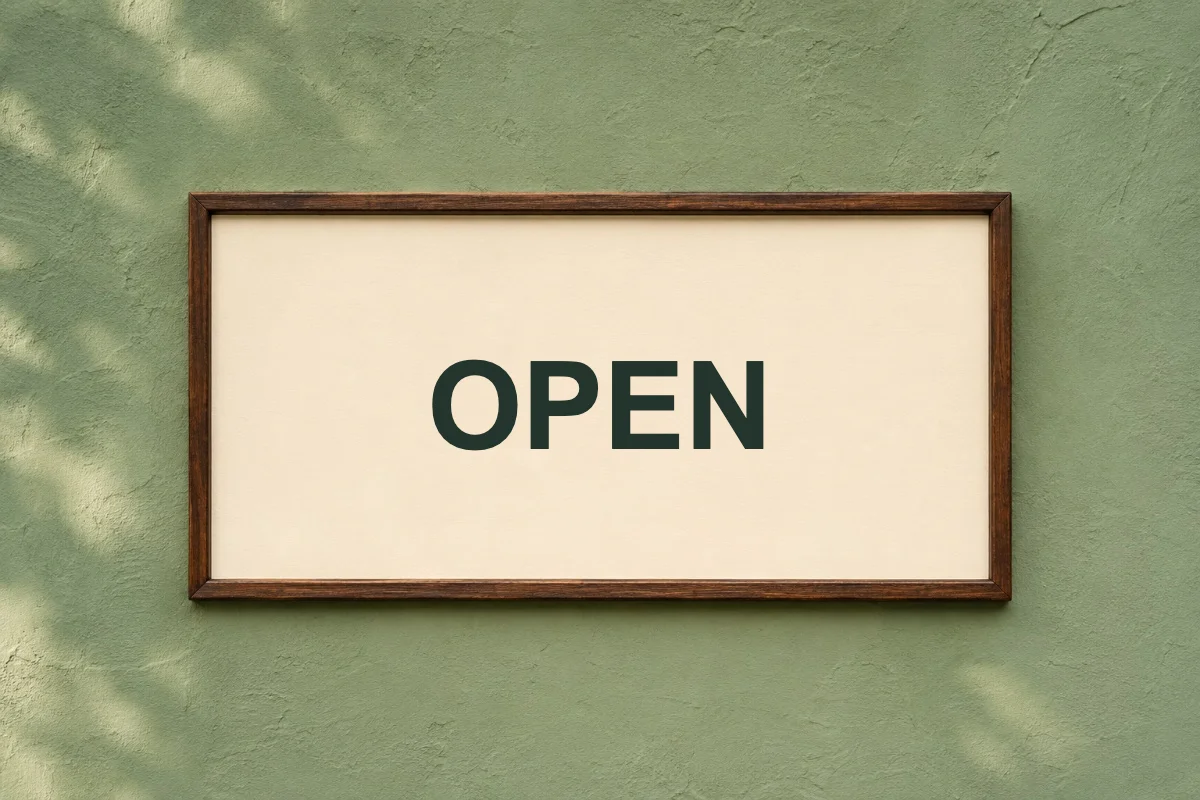
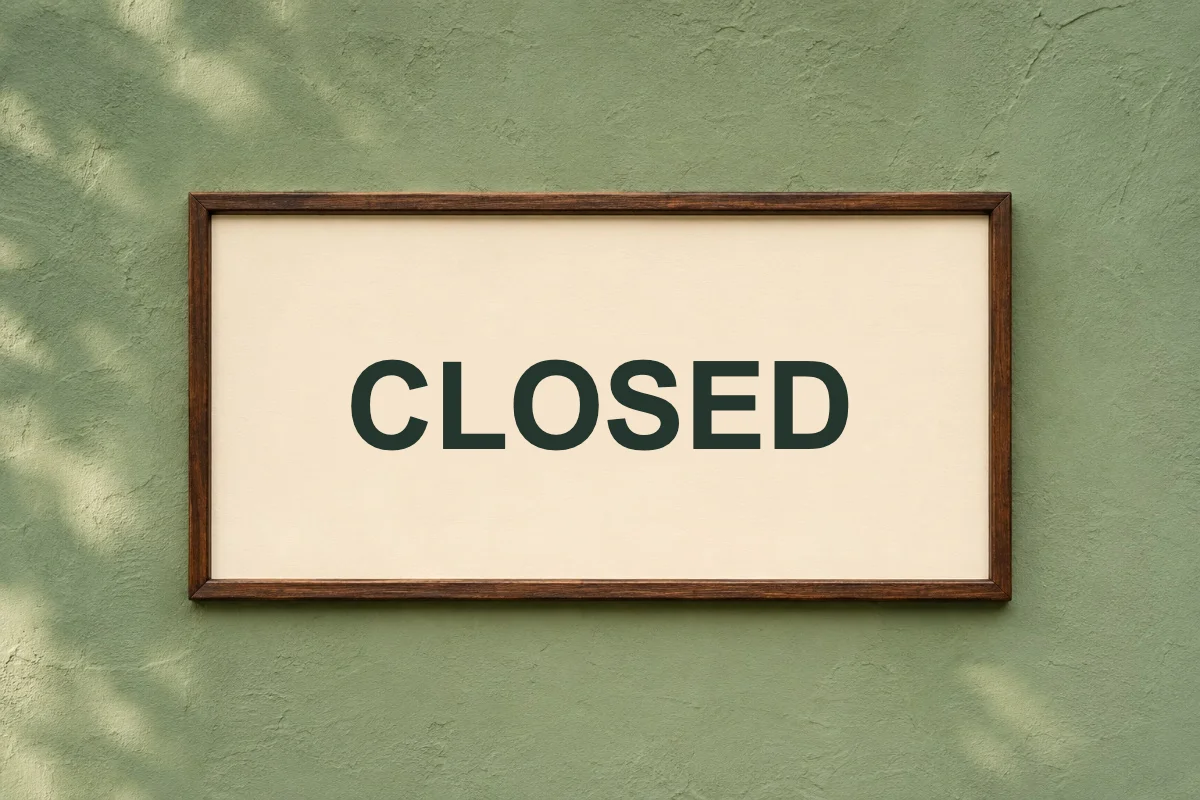
Photo text editor for a shop sign
OPEN → CLOSED
The shop is closed today. Cover OPEN on the plain panel and type CLOSED.
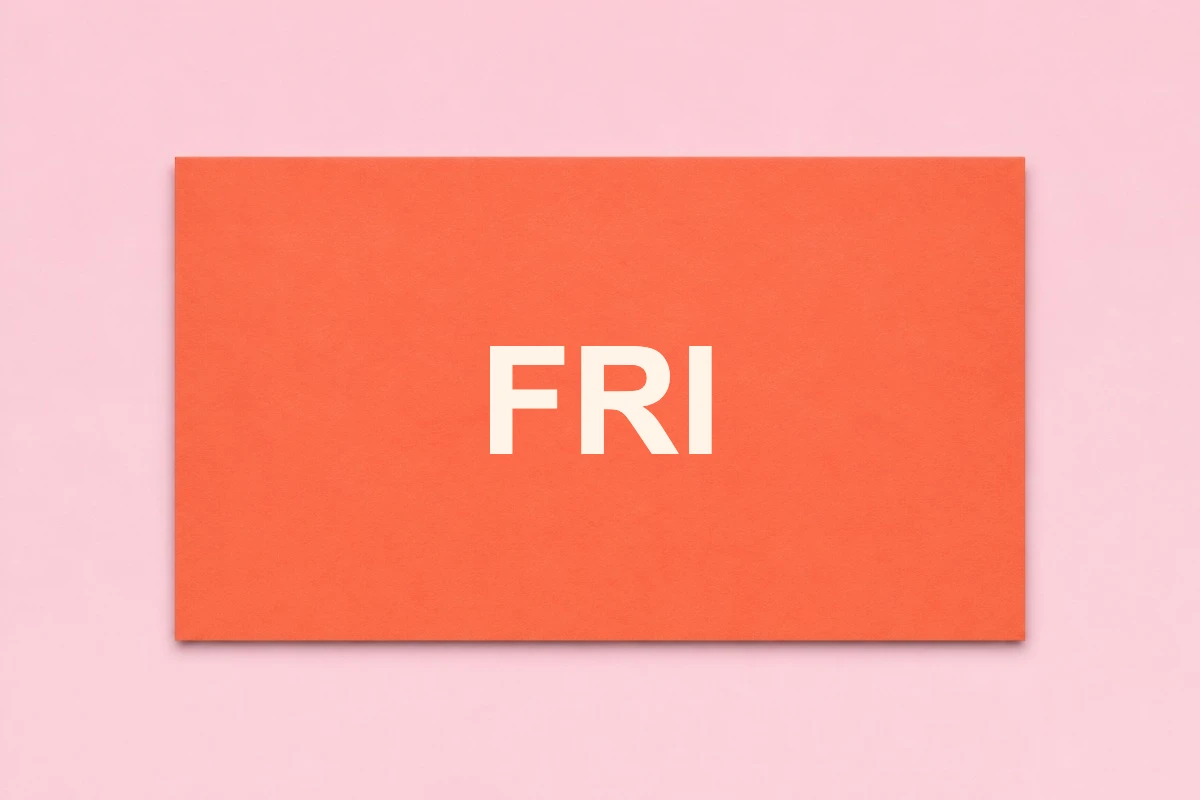
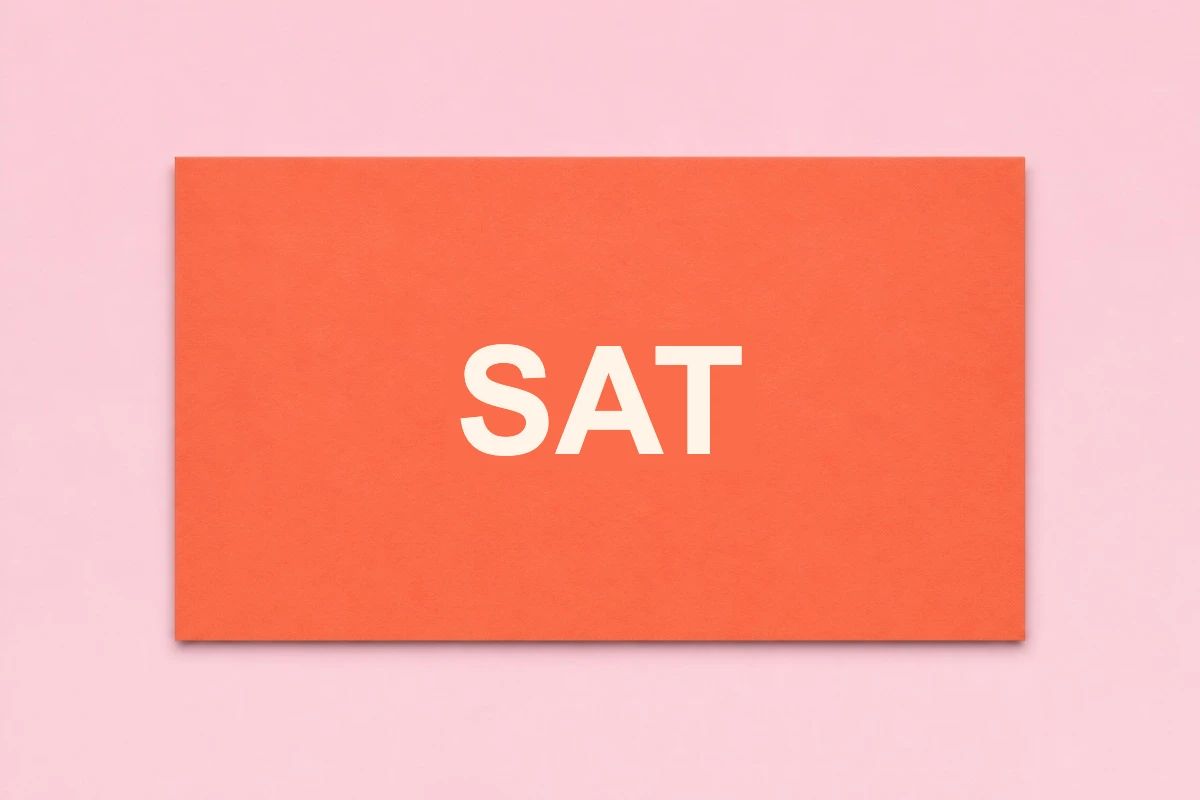
Photo text editor for an event card
FRI → SAT
Replace FRI with SAT, then check its size against the other text.
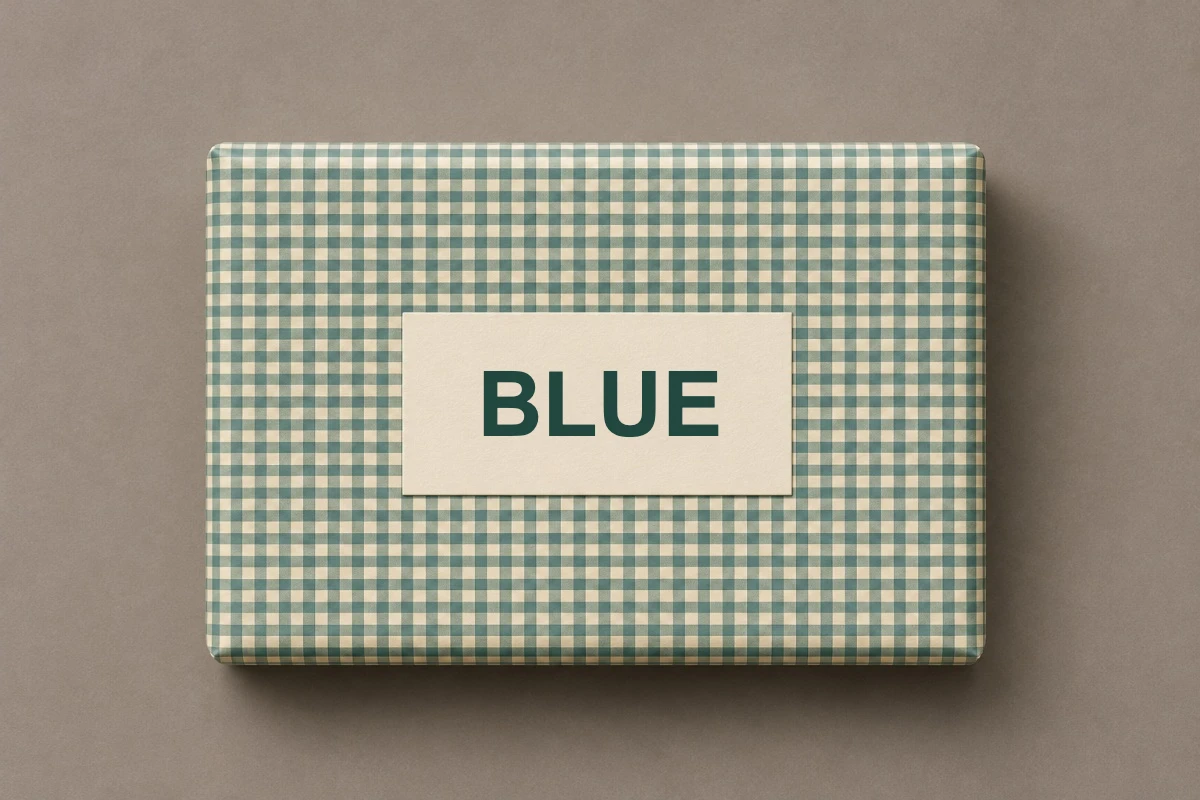
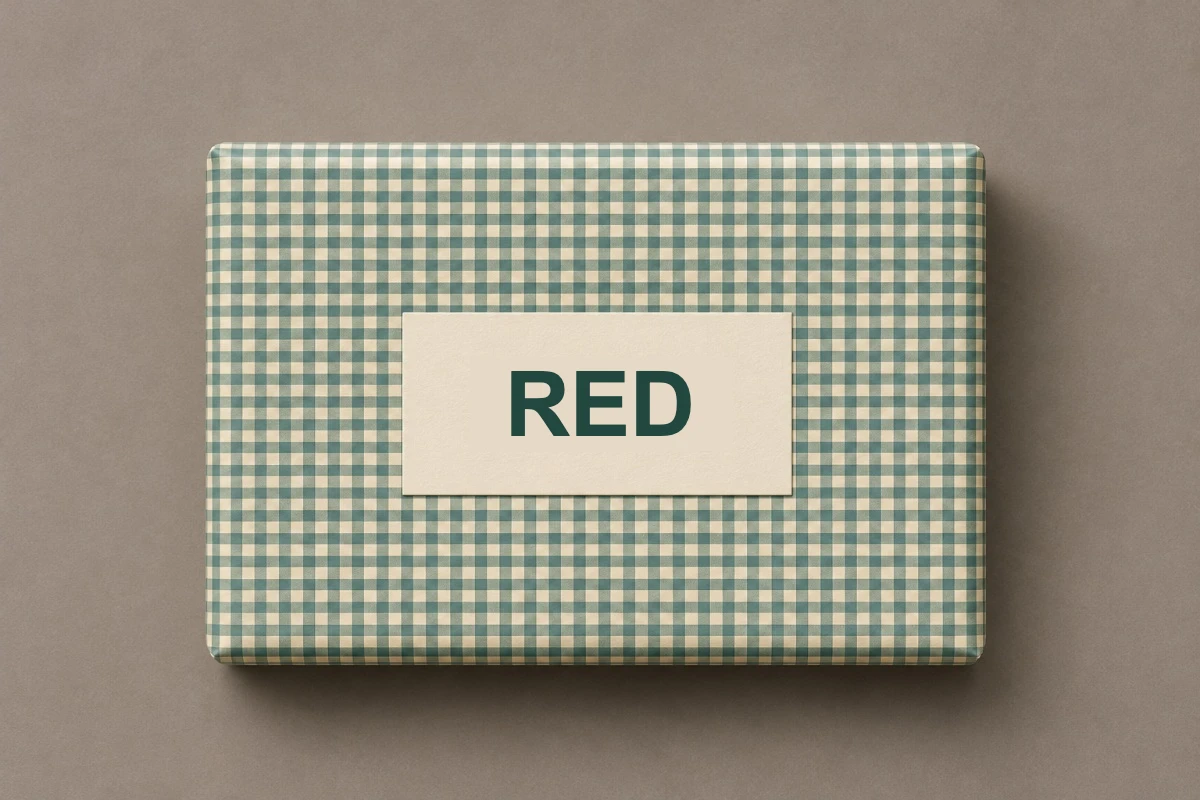
Photo text editor for a product label
BLUE → RED
Try AI when a flat cover would hide the packaging pattern.
How to use photo text editor
Open the photo text editor
Drop, choose, or paste a picture. Select the word to change.
Cover and replace the word
Cover the word with a nearby color. Set the new font, size, and color.
Review your photo text editor result
Check the text. Undo or try AI if needed. Download PNG.
Photo text editor: free tools and AI
Use local tools for free. Try AI for difficult text or backgrounds.
Daily free AI previews
Sign in for 5 daily AI edits across replacement, removal, and translation. Free previews have a watermark.
HD without a watermark
Buy any pack for HD without a watermark. This result unlocks without another edit. From $7, about $0.20 per edit.
Pay once, no subscription
Pay once. No subscription. Full refund within 7 days if the pack is unused.
| Starter | $7 | 35 AI edits | About $0.20 per edit |
|---|---|---|---|
| Plus | $15 | 150 AI edits | About $0.10 per edit |
| Pro | $28.90 | 350 AI edits | About $0.08 per edit |
| Local manual tools | Free, no registration | Still free |
|---|---|---|
| Daily AI allowance | 5 edits after sign in | Edits from your credit pack |
| AI result download | Watermarked preview | HD without a watermark |
| Payment | No payment for local tools | One time credit pack |
Secure checkout through Waffo. Buyers must be 18 or older. Failed AI edits automatically return the credit.
Photo text editor AI credit packsPhoto text editor tools
Photo text editor with font controls
Choose the font, size, and color. Compare them with nearby letters.
Photo text editor for simple covers
Use a flat cover on a plain background. Check its edges.
Photo text editor with AI replacement
AI tries to keep the original font style and background.
Photo text editor for JPG and PNG
Use a jpg text editor or png text editor. WebP works too; downloads are PNG.
When to use photo text editor
Photo text editor for a shop owner
Change text in image banners when you only have the exported file.
Photo text editor for an organiser
Correct the day on an event card before sharing it.
Photo text editor for a seller
Change a color label without covering the whole product photo.
Photo text editor for a teacher
Edit text in picture worksheets to correct a heading.
Photo text editor questions
Is the photo text editor free?
Manual edits are free without registration. Cover words, type replacements, and download without a watermark.
Can the photo text editor match the original font?
Choose a font manually, or try AI to keep the original style. Inspect the result.
Does the photo text editor add a watermark?
Local downloads have none. Free AI previews have one. Buy any pack for HD without a watermark.
Does the photo text editor upload my picture?
Local tools keep images in your browser. AI uploads them to our servers to generate results.
Can I change just one word?
Yes. Select that word manually, or enter its old and new text for AI.
What if several words need changing?
Arrange several replacements on one image. One AI submission counts as one edit.
How do I edit text in a JPG or PNG with the photo text editor?
Upload a JPG, PNG, or WebP, select and cover the old text, then type its replacement and adjust the font, size, and color. Download the PNG.
Can the photo text editor keep the background when it replaces text?
The photo text editor covers old text with nearby colors, which works best on plain or simple backgrounds. For textures or photos, check the AI options and inspect the edges.
Try photo text editor
Select a word and type its replacement. Try AI for a difficult background.
Open photo text editor