Add text to image online
Type a heading, caption, or label. Choose its font, size, and color. Download a free PNG without a watermark.
JPG, PNG, WebP up to 10 MB. Free local tools need no sign up.
Or paste a screenshot (Ctrl+V / ⌘V).
JPG, PNG, WebP. Maximum 10 MB.
Try add text to image with a sample
Type your caption. Choose its font, size, and color.
Upload a picture to start.
Local tools keep your picture in the browser without uploading it.
- Free local tools, no sign up
- Local edits keep images in your browser
- Local downloads have no watermark
Add text to image examples
Add text to image files to give a picture context. Use a short caption and a readable color.


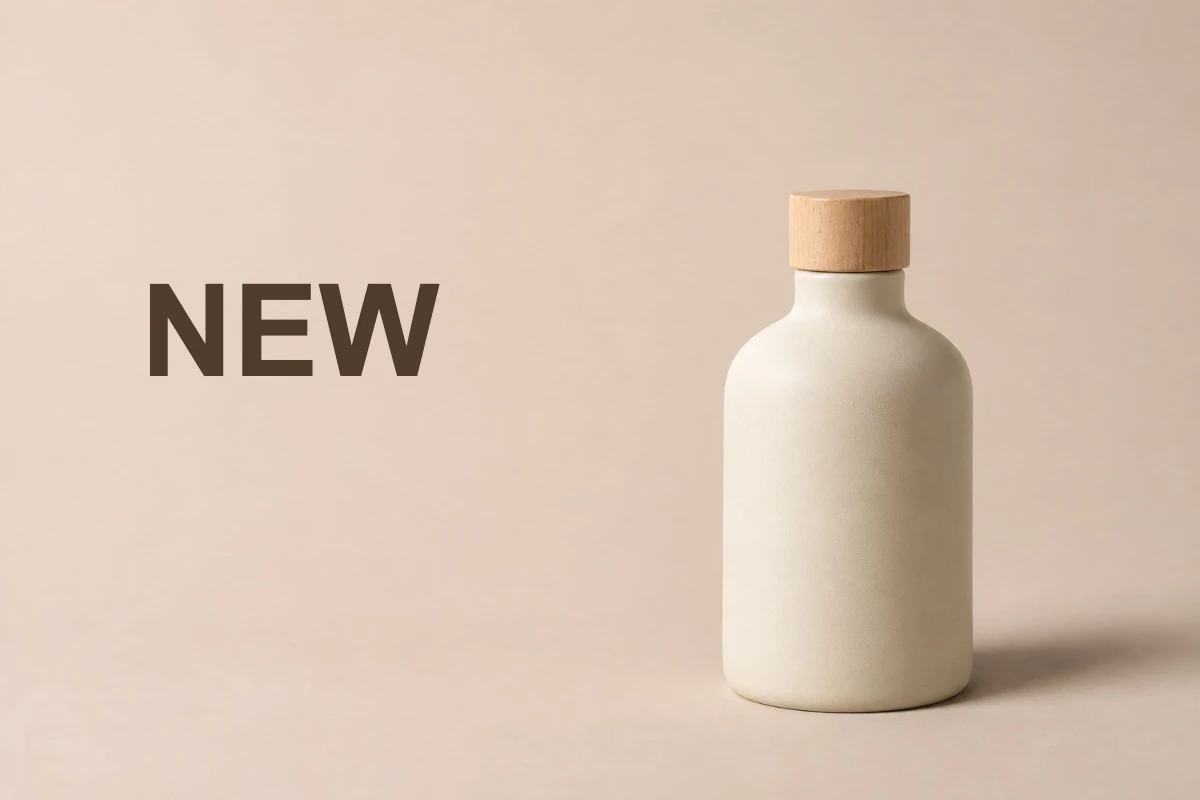
Add text to image for a product label
Added NEW label
Type NEW in a clear space, away from the product.
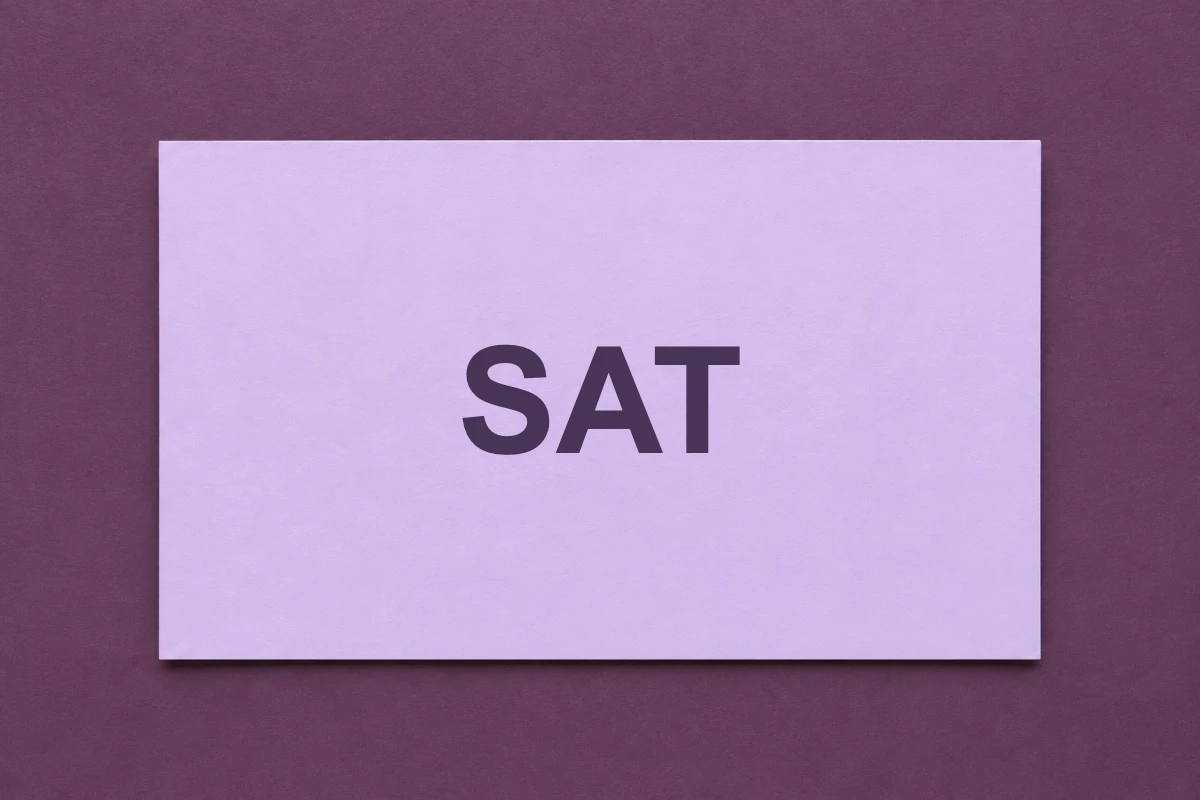
Add text to image for an event card
Added SAT heading
Add SAT to the blank card. Choose a size that fits.
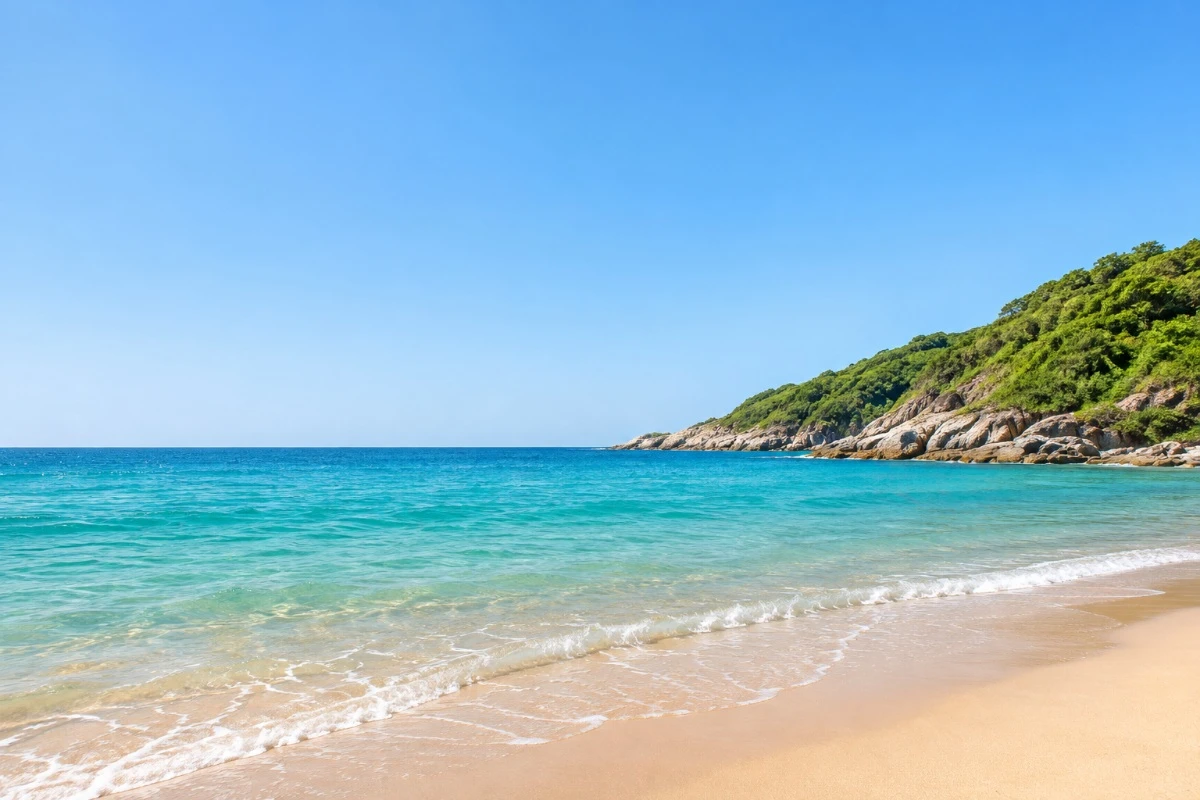

Add text to image for a photo caption
Added GOA caption
Label the landscape with a color you can read against the sky.
How to use add text to image
Open Add text to image
Choose, drop, or paste a picture into the tool.
Type and style your words
Type your caption. Set its font, size, and color.
Review your add text to image result
Check spelling and readability. Undo if needed, then download PNG.
Add text to image: free tools and AI
Use local tools for free. Try AI for difficult text or backgrounds.
Daily free AI previews
Sign in for 5 daily AI edits across replacement, removal, and translation. Free previews have a watermark.
HD without a watermark
Buy any pack for HD without a watermark. This result unlocks without another edit. From $7, about $0.20 per edit.
Pay once, no subscription
Pay once. No subscription. Full refund within 7 days if the pack is unused.
| Starter | $7 | 35 AI edits | About $0.20 per edit |
|---|---|---|---|
| Plus | $15 | 150 AI edits | About $0.10 per edit |
| Pro | $28.90 | 350 AI edits | About $0.08 per edit |
| Local manual tools | Free, no registration | Still free |
|---|---|---|
| Daily AI allowance | 5 edits after sign in | Edits from your credit pack |
| AI result download | Watermarked preview | HD without a watermark |
| Payment | No payment for local tools | One time credit pack |
Secure checkout through Waffo. Buyers must be 18 or older. Failed AI edits automatically return the credit.
Add text to image AI credit packsAdd text to image tools
Add text to image with your font choice
Choose a font and check its style beside the picture.
Add text to image at a readable size
Fit the words in the space without covering the subject.
Add text to image in a chosen color
Choose a readable color. Check light text against light areas.
Add text to image without an account
Adding words is free. Local edits keep your picture in the browser.
When to use add text to image
Add text to image for a seller
Label a product photo without covering the product.
Add text to image for a shop owner
Add OPEN to a notice for customers.
Add text to image for a teacher
Label a worksheet illustration for students.
Add text to image for a traveller
Add text to photo memories with a place name or date.
Add text to image questions
Can I add text to image files for free?
Yes. Type and style words without registration. Local PNG downloads have no watermark.
Which fonts does Add text to image use?
Choose a font, size, and color. Check the result on your picture.
Does Add text to image add a watermark?
Local downloads have none. Free AI previews have one. Buy any pack for HD without a watermark.
Does Add text to image upload my photo?
Local tools keep images in your browser. AI uploads them to our servers to generate results.
Can I change words already in the photo?
Use the [photo text editor](/) to cover and replace old words. Try AI for a difficult background.
Do I need AI for a new caption?
No. Add captions locally for free. AI handles replacement, complex background fill, and translation.
Can I add text to image files for social media or thumbnails?
Yes: type your words, choose the font, size, and color, and place them in a clear area. Download the PNG and upload it wherever you need.
Try add text to image
Choose a photo and type a caption. Check readability before downloading.
Open add text to image