Remove text from image online
Brush over unwanted words and fill the background. Use free local tools for simple colors; try AI for busy scenes.
JPG, PNG, WebP up to 10 MB. Free local tools need no sign up.
Or paste a screenshot (Ctrl+V / ⌘V).
JPG, PNG, WebP. Maximum 10 MB.
Try a sample picture
Brush over the unwanted text and inspect the background fill.
Upload a picture to start.
Local tools keep your picture in the browser without uploading it.
- Free local tools, no sign up
- Local edits keep images in your browser
- Local downloads have no watermark


Remove text from image examples
The source pictures are demonstration images. The after images are real results from our free AI preview, so they have a watermark.
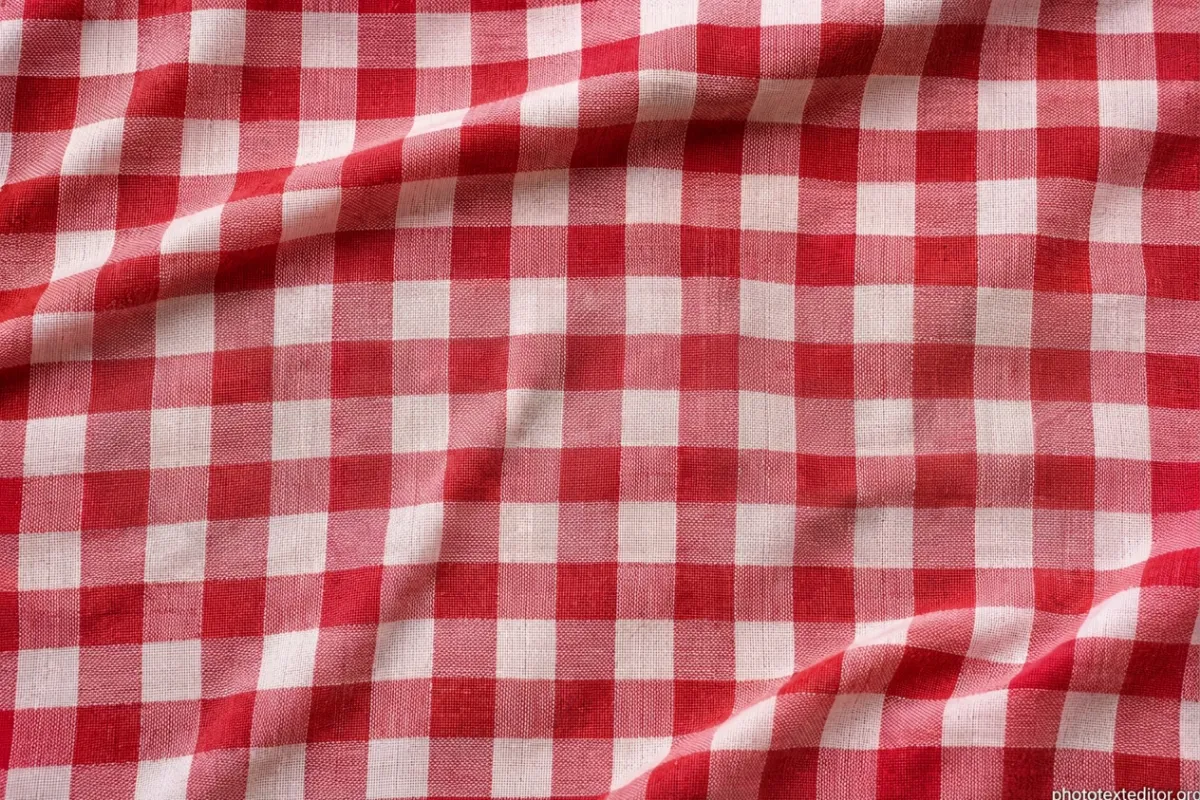

Checks and folds
Removed OFFER from gingham
OFFER crosses the red and white checks. In this AI result, the word is gone and the pattern continues across the fabric folds.
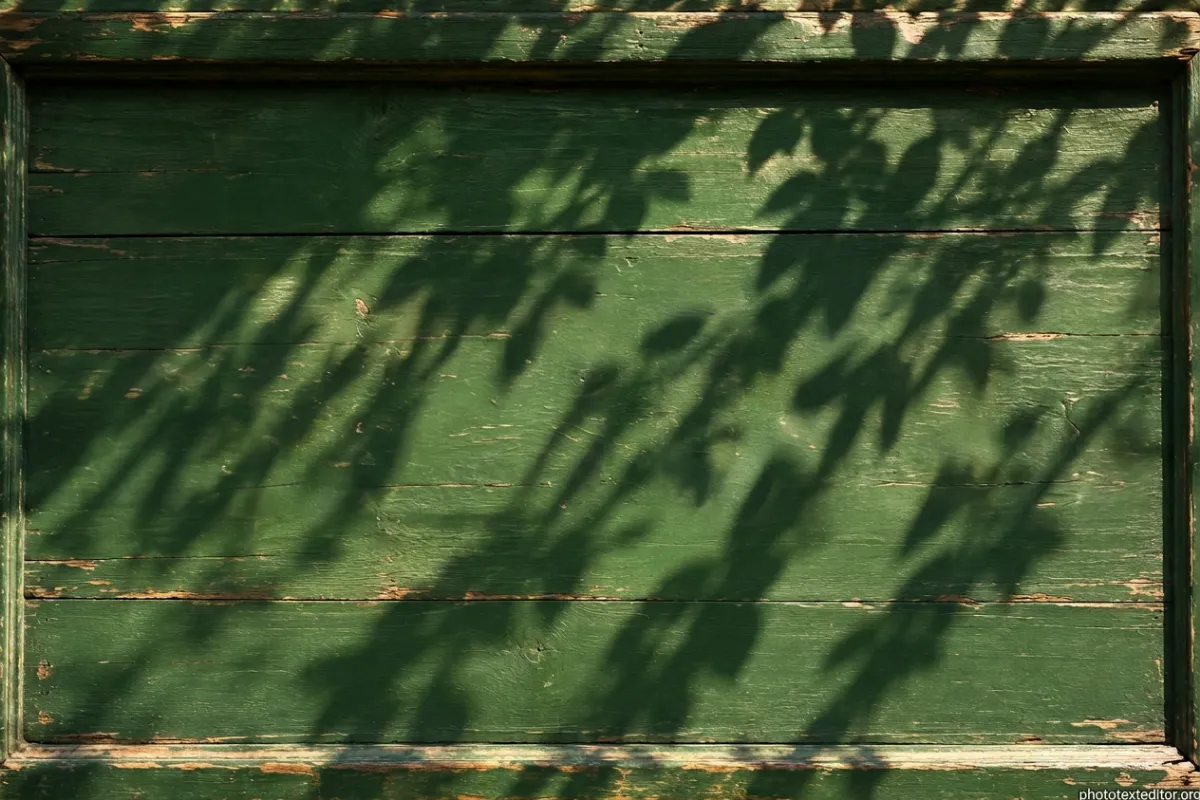

Raised letters and leaf shadows
Removed OPEN LATE from a sign
Gold OPEN LATE letters sit on weathered green wood under diagonal leaf shadows. In this result, the letters are gone; wood grain and leaf shadows remain.
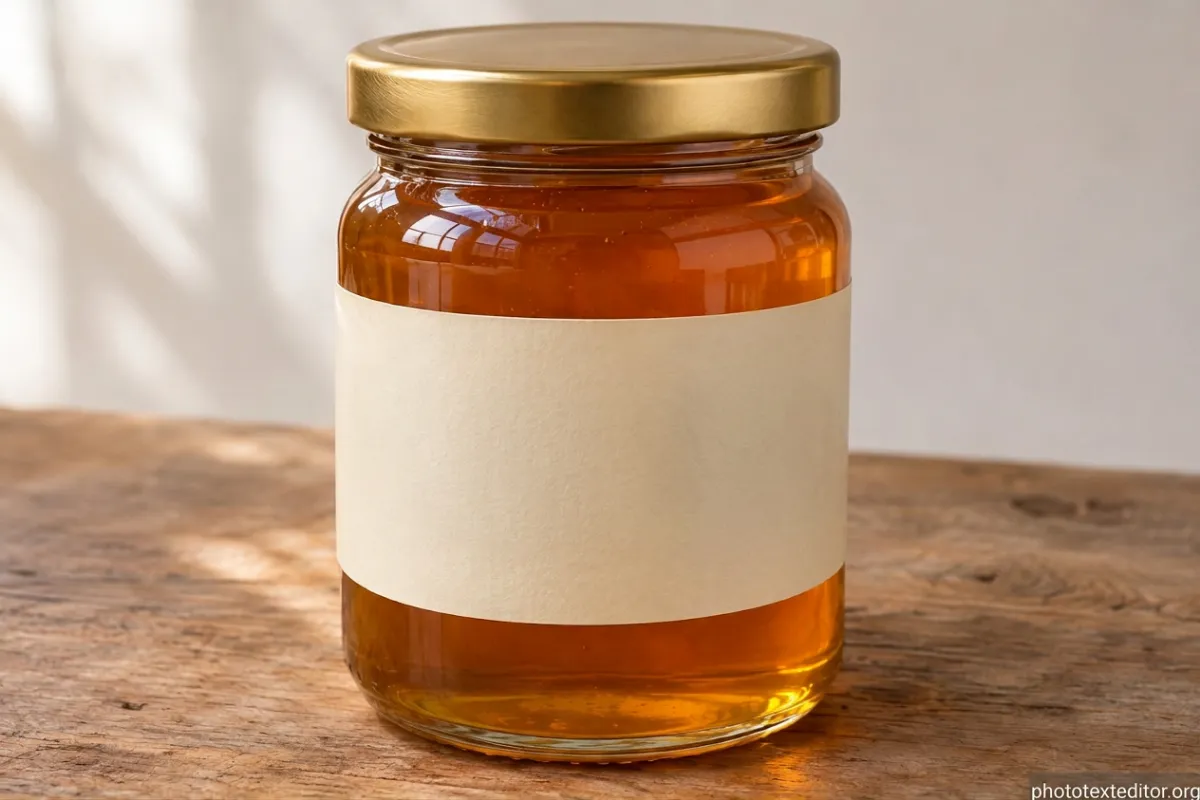
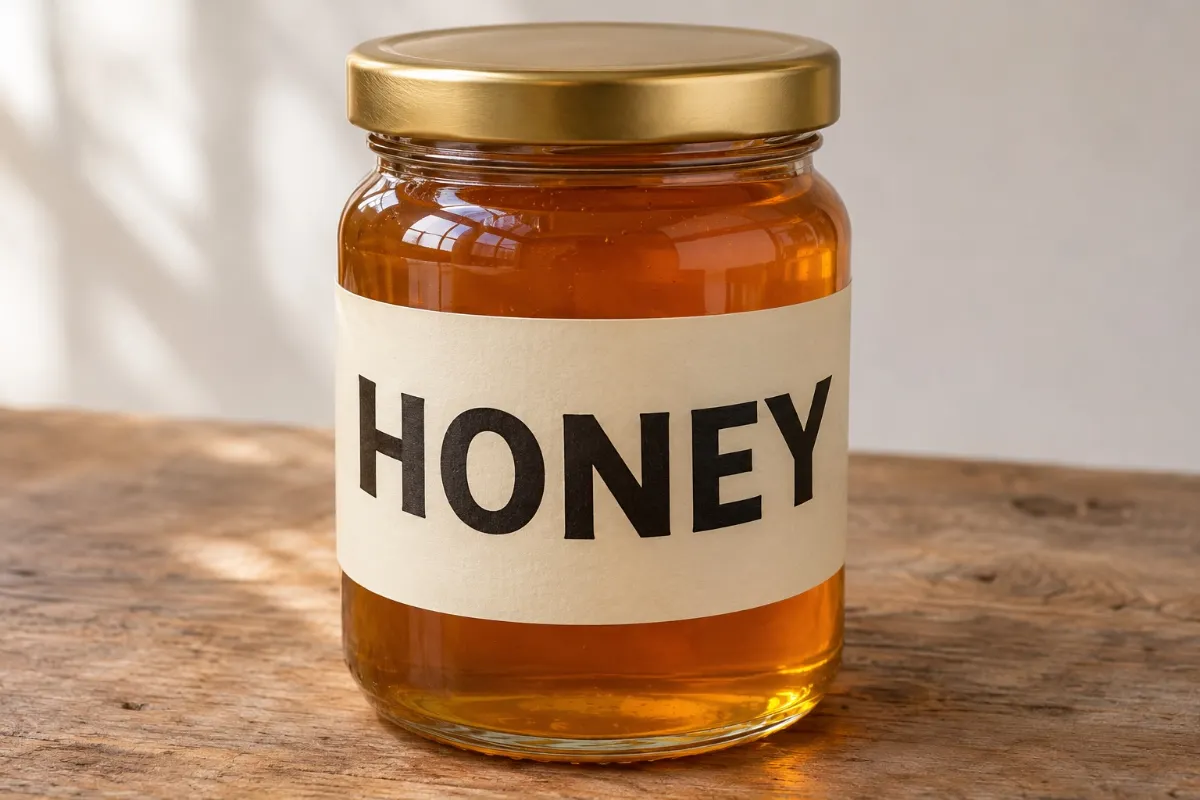
A label around a jar
Removed HONEY from the label
HONEY follows the curve of the jar's label. AI clears the word, leaving a blank label while the glass reflections remain visible.
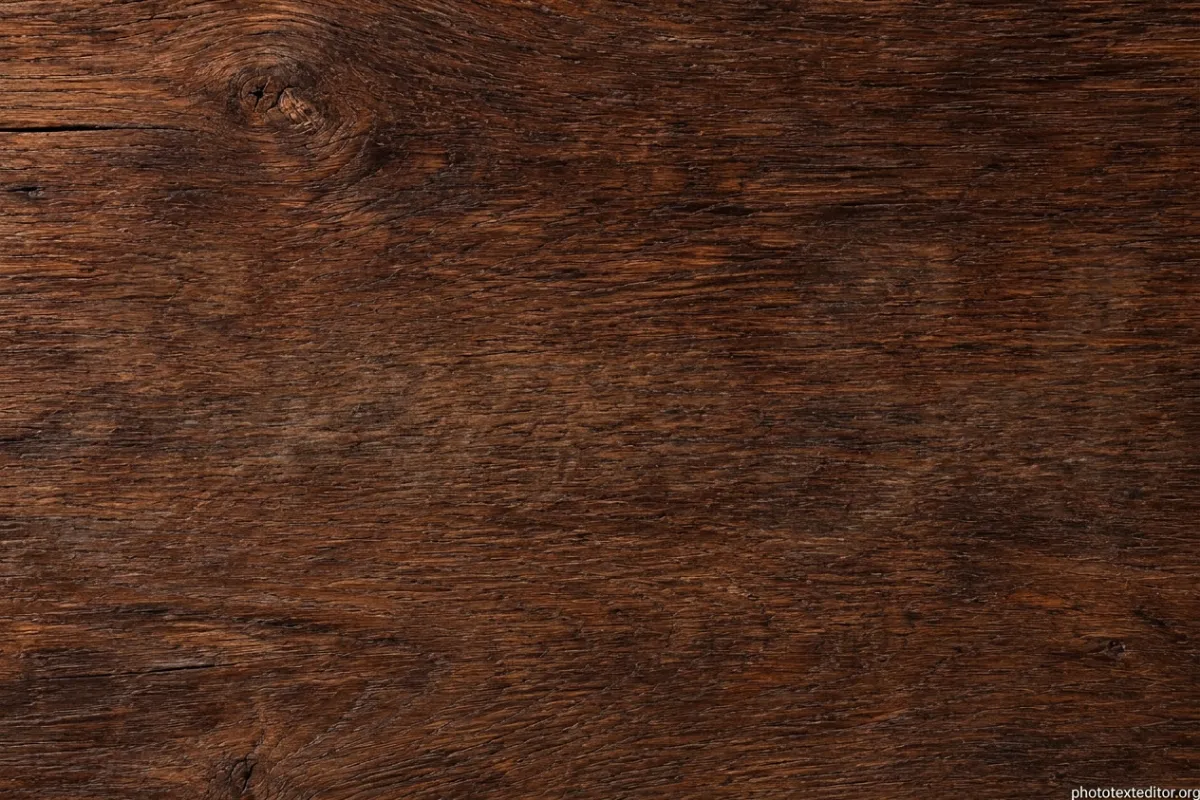

Script on dark wood
Removed Summer Sale from wood
Summer Sale has thin, connected strokes over dark wood. The script is gone in this result, with wood grain filling the cleared area.
Local tools and AI on the same cloth
Compare both tools on the same gingham picture. To remove text from image backgrounds, local tools spread nearby colors; AI reconstructs texture. Local removal is often enough for plain colors and gradients.
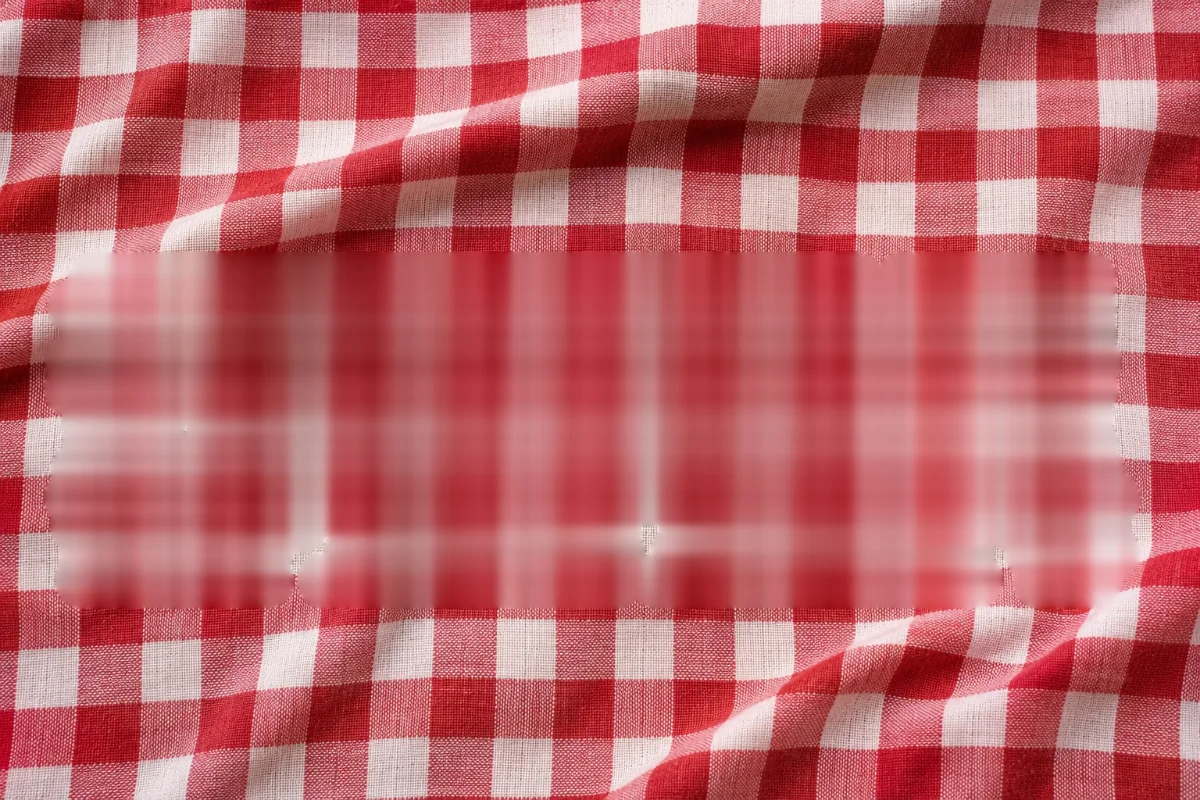
Local removal
The local fill clears the word by spreading surrounding colors, which softens the checks. It runs in your browser without an upload or sign in.
AI removal
AI rebuilds the checks where OFFER was. It requires sign in and uploads your picture to our servers. The free preview shown here has a watermark.
How to remove text from image files
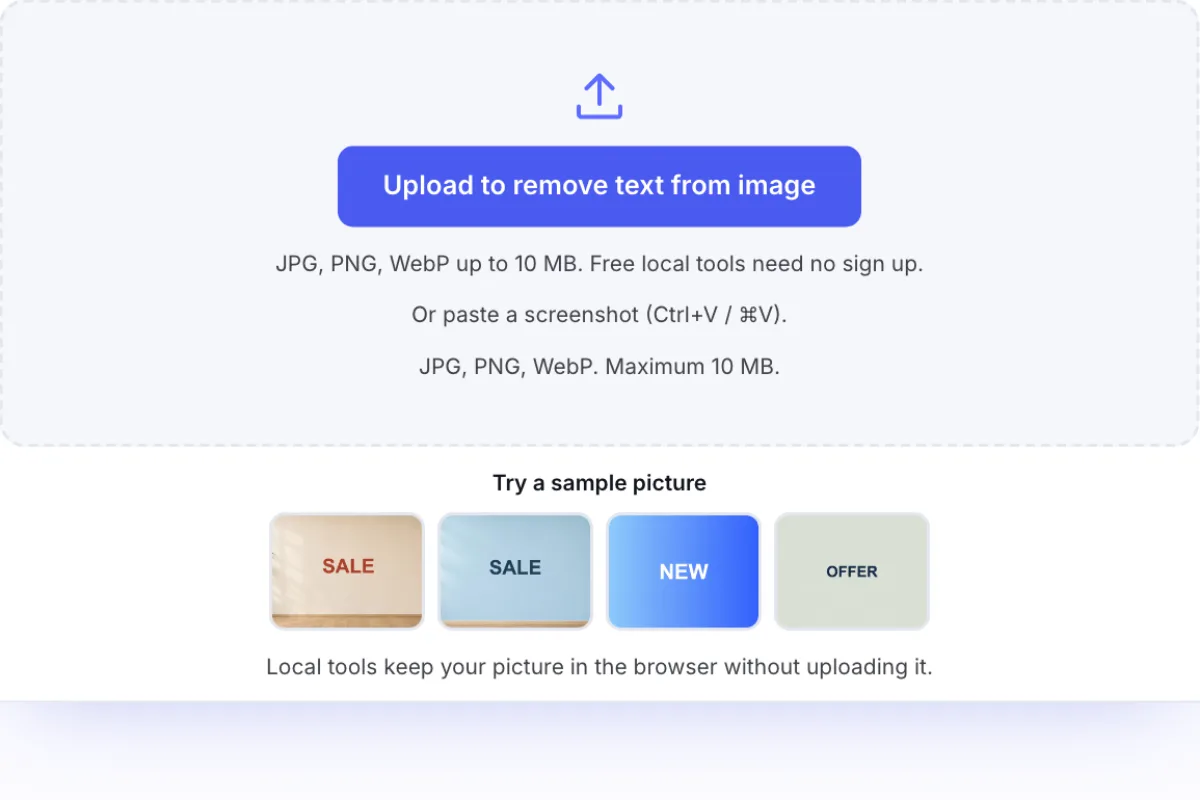
Open your picture
Drop, choose, or paste a picture. Check the background behind the words.
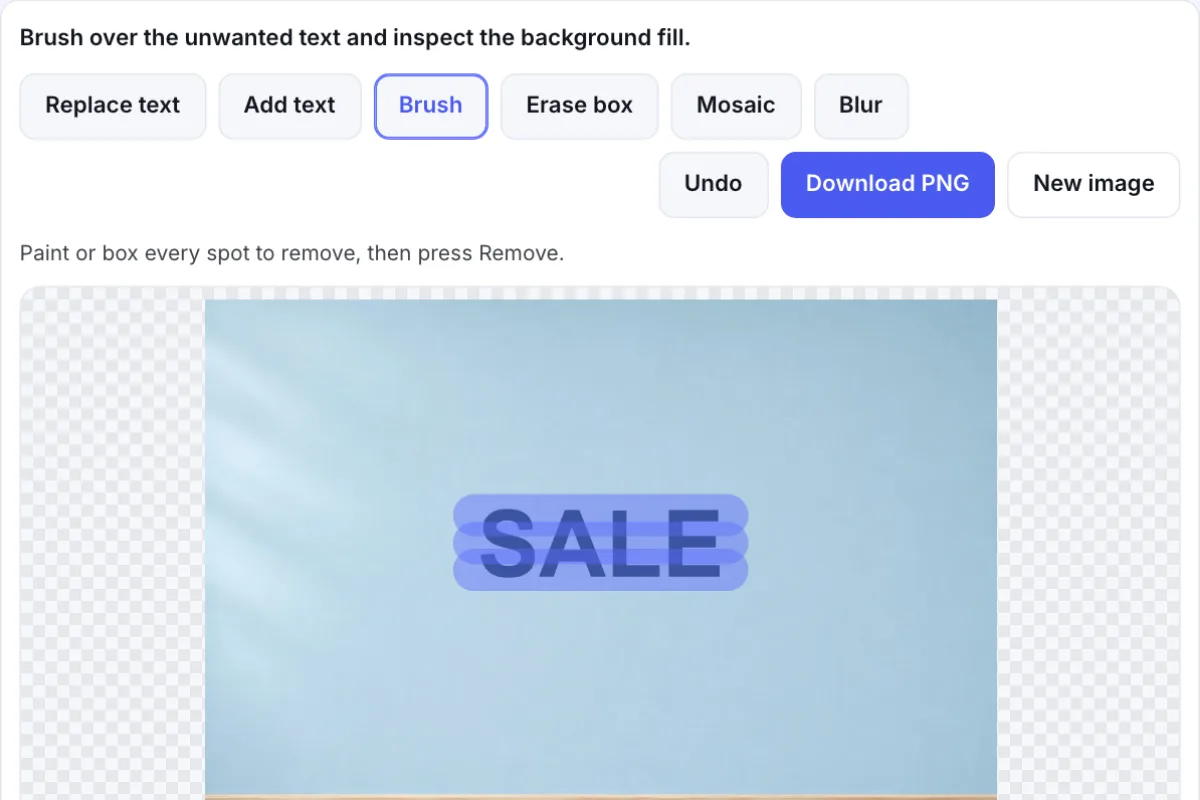
Brush over the letters
Cover the whole word, including thin letter edges. Start locally on plain colors or gradients. For patterns, sign in and try AI with the complete word typed in.
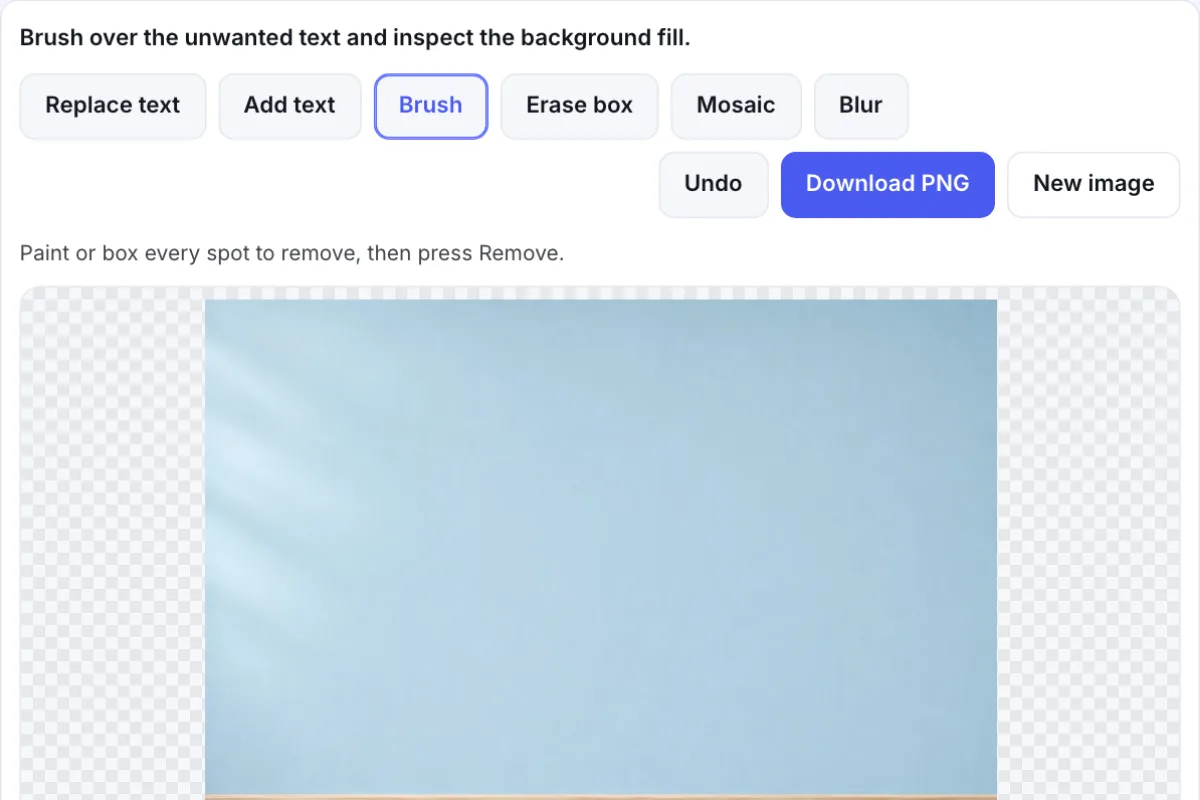
Review the result
Inspect edges and patterns. Undo if needed, then download PNG.
Remove text from image: free tools and AI
Use local tools for free. Try AI for difficult text or backgrounds.
Daily free AI previews
Sign in for 5 daily AI edits across replacement, removal, and translation. Free previews are 1K and have a watermark.
HD without a watermark
Buy any pack for HD without a watermark. This result unlocks without another edit. From $7, about $0.20 per edit.
Pay once, no subscription
Pay once. No subscription. Full refund within 7 days if the pack is unused.
| Starter | $7 | 35 AI edits | About $0.20 per edit |
|---|---|---|---|
| Plus | $15 | 150 AI edits | About $0.10 per edit |
| Pro | $28.90 | 350 AI edits | About $0.08 per edit |
| Local manual tools | Free, no registration | Still free |
|---|---|---|
| Daily AI allowance | 5 edits after sign in | Edits from your credit pack |
| AI result download | 1K preview with a watermark | HD without a watermark |
| Payment | No payment for local tools | One time credit pack |
Secure checkout through Waffo. Buyers must be 18 or older. Failed AI edits automatically return the credit.
View AI credit packsChoose a tool for the background
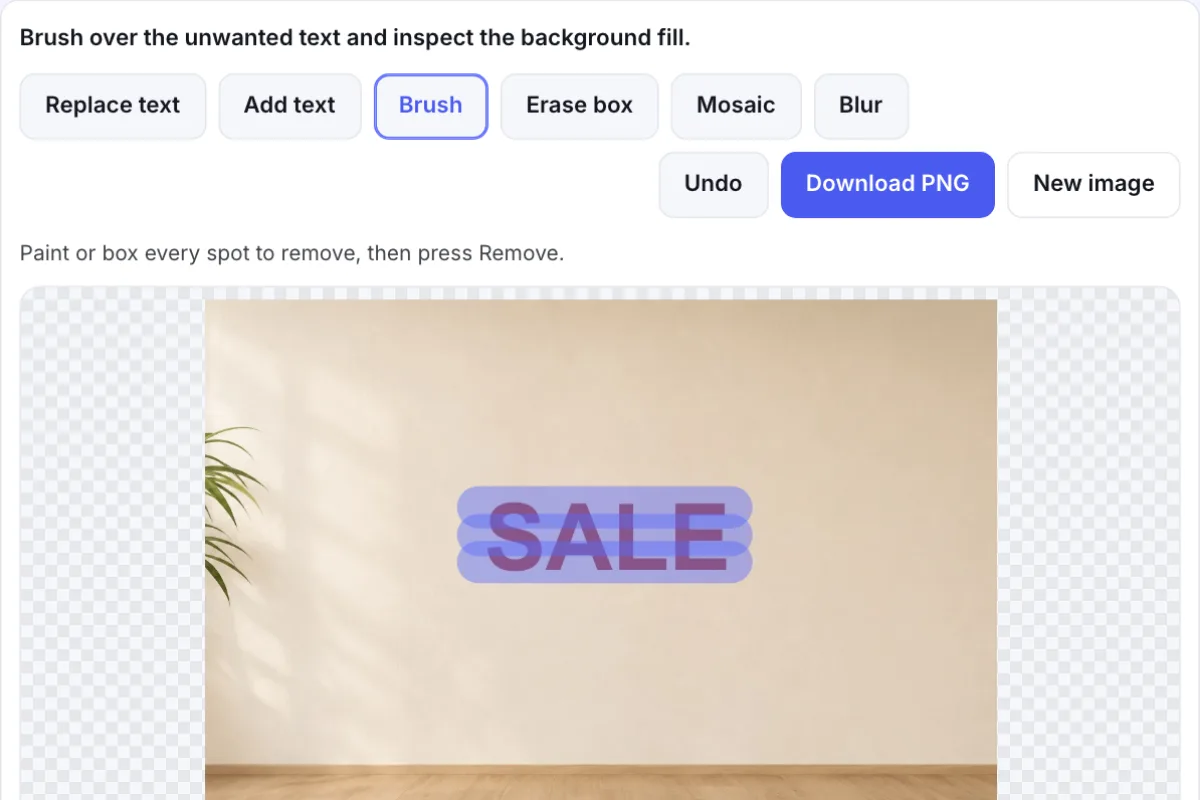
Remove text from image files with a brush
Brush around the unwanted letters. Keep nearby details outside the selection.
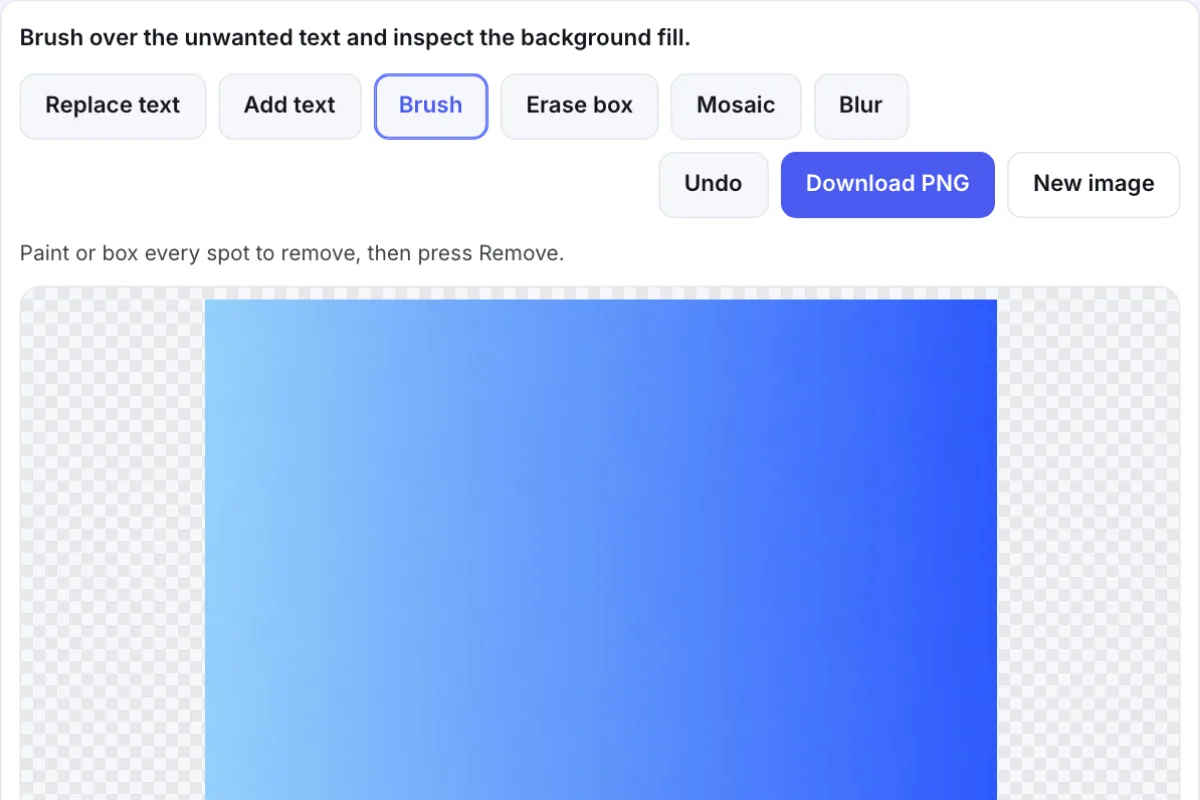
Fill simple colors locally
Use local tools on plain colors and gradients. Inspect the fill.
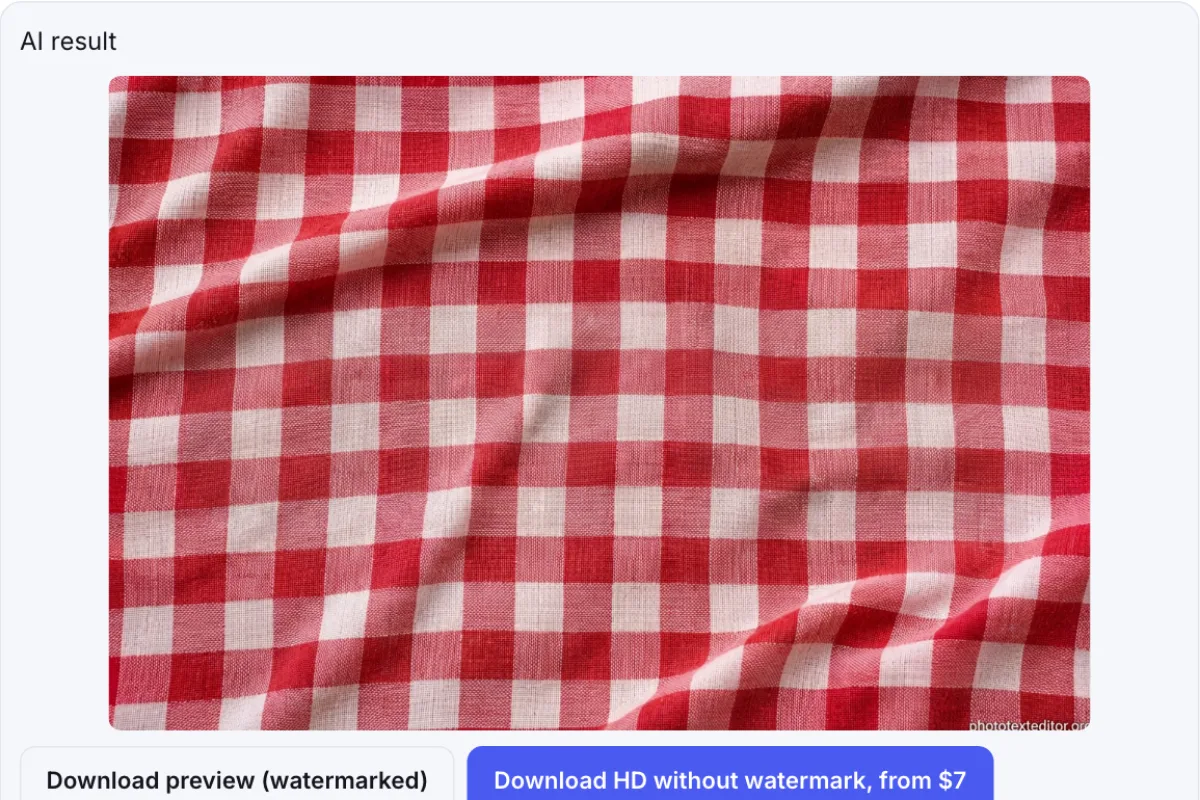
Rebuild texture with AI
Use AI to remove text from image backgrounds with checks, wood grain, or shadows, as in the examples above. Inspect the generated details before saving.
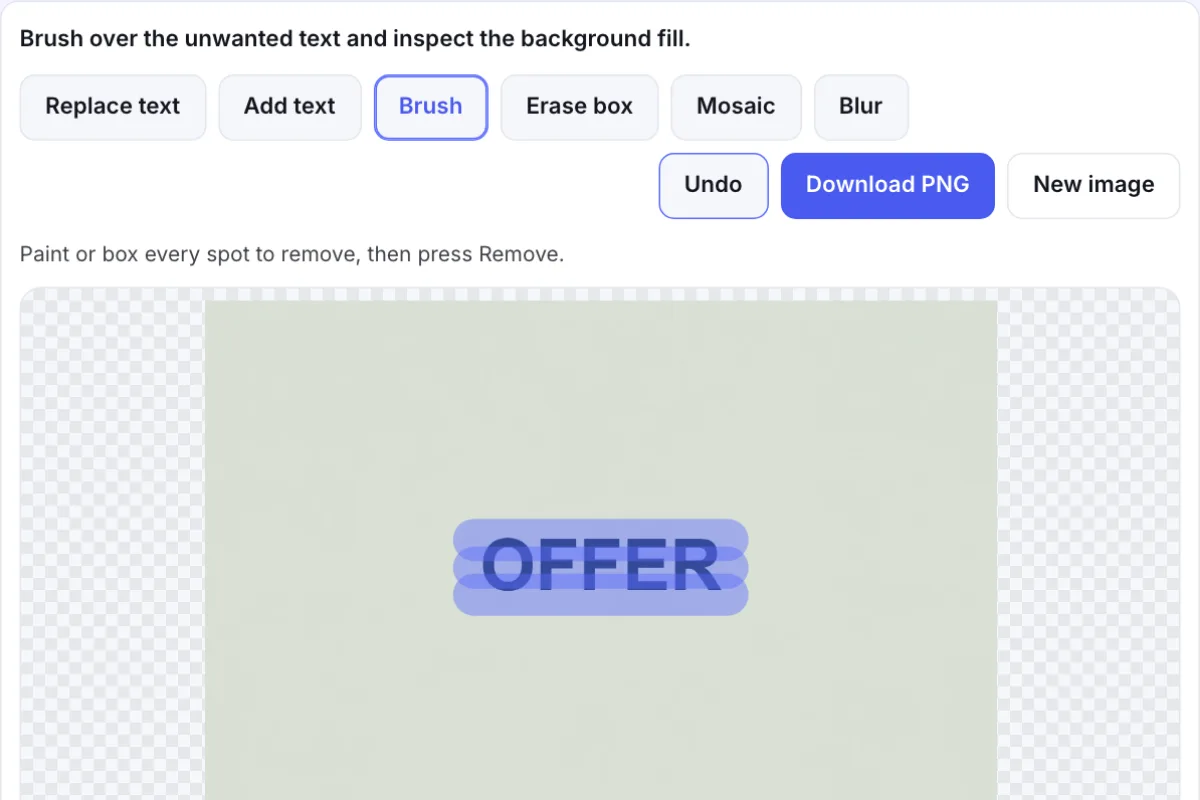
Undo a selection
Undo and select again if the brush covers too much.
When a caption needs to go
Only edit pictures you own or have permission to use.

For sellers
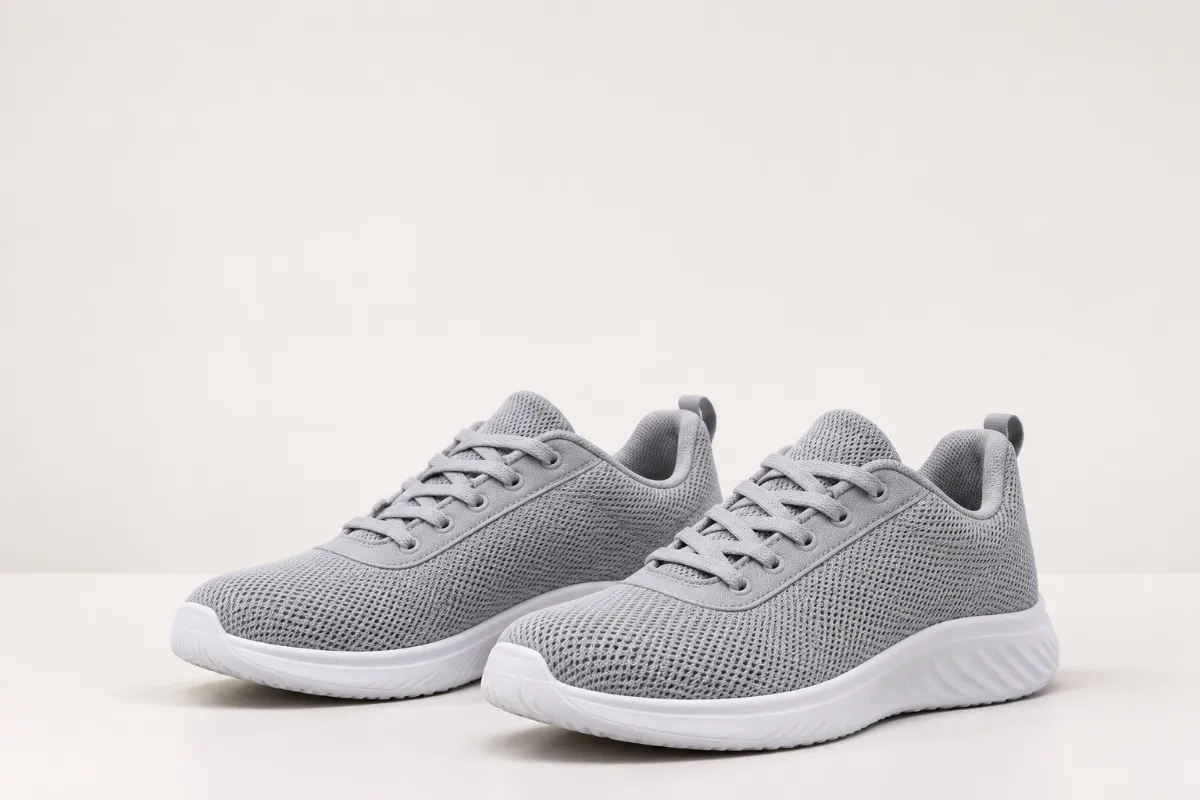
Clear an old promotion above a pair of sneakers before reusing your product photo. Keep the selection away from the shoes.


For designers
Remove a heading from a gradient banner before adding revised copy. A smooth gradient is a good place to start with local tools.
For teachers
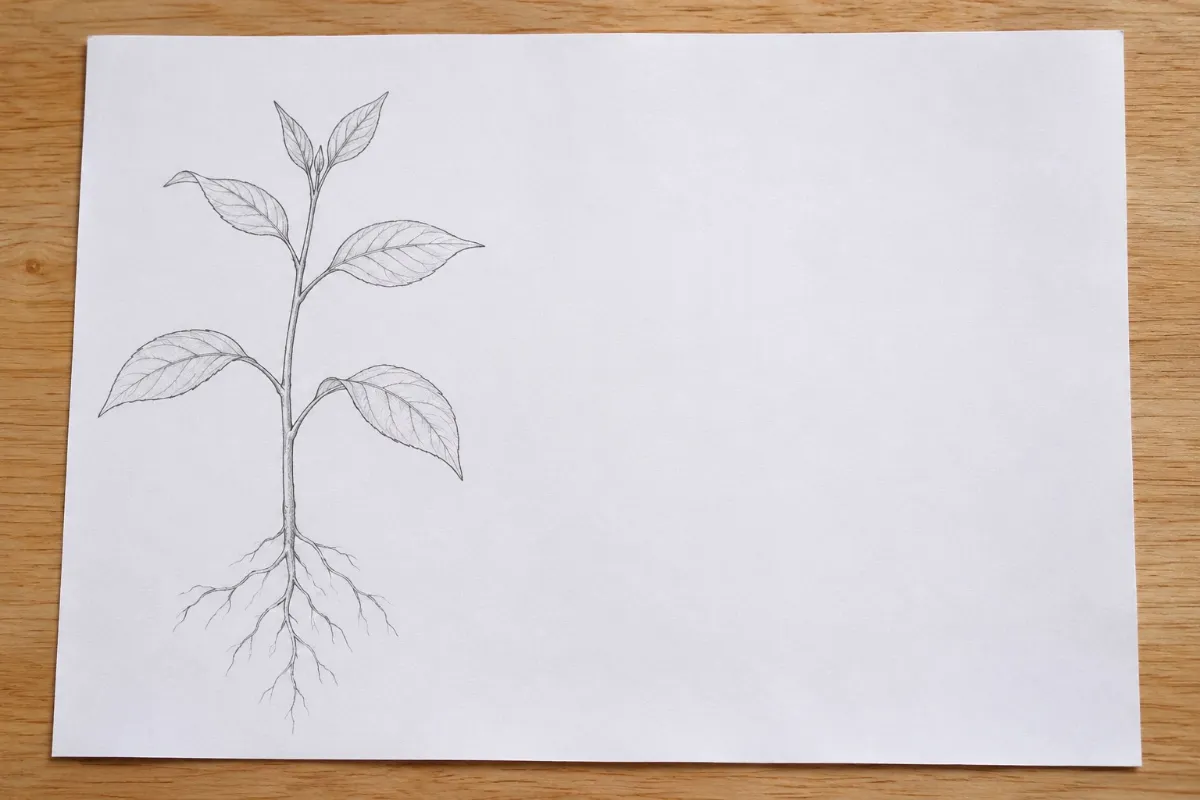
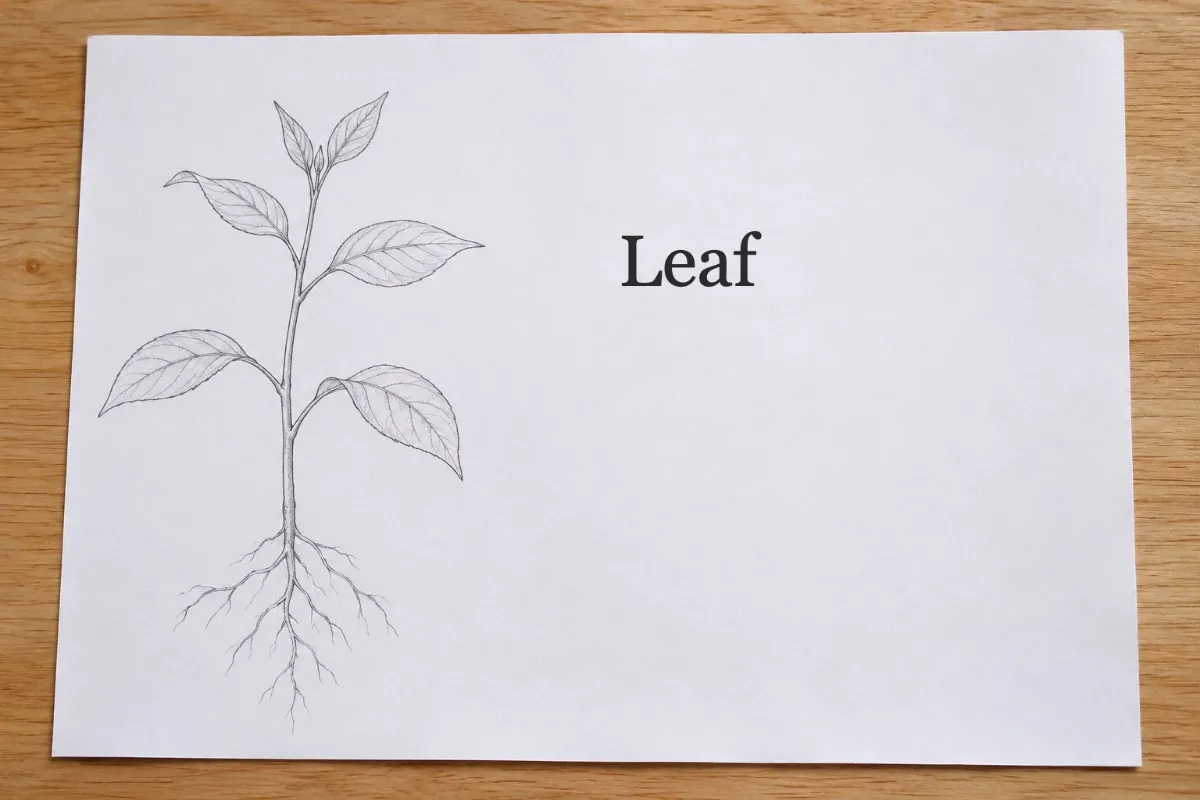
Clear the label beside a plant drawing on your practice sheet so students can name it. Leave the illustration outside the brush selection.
For photographers
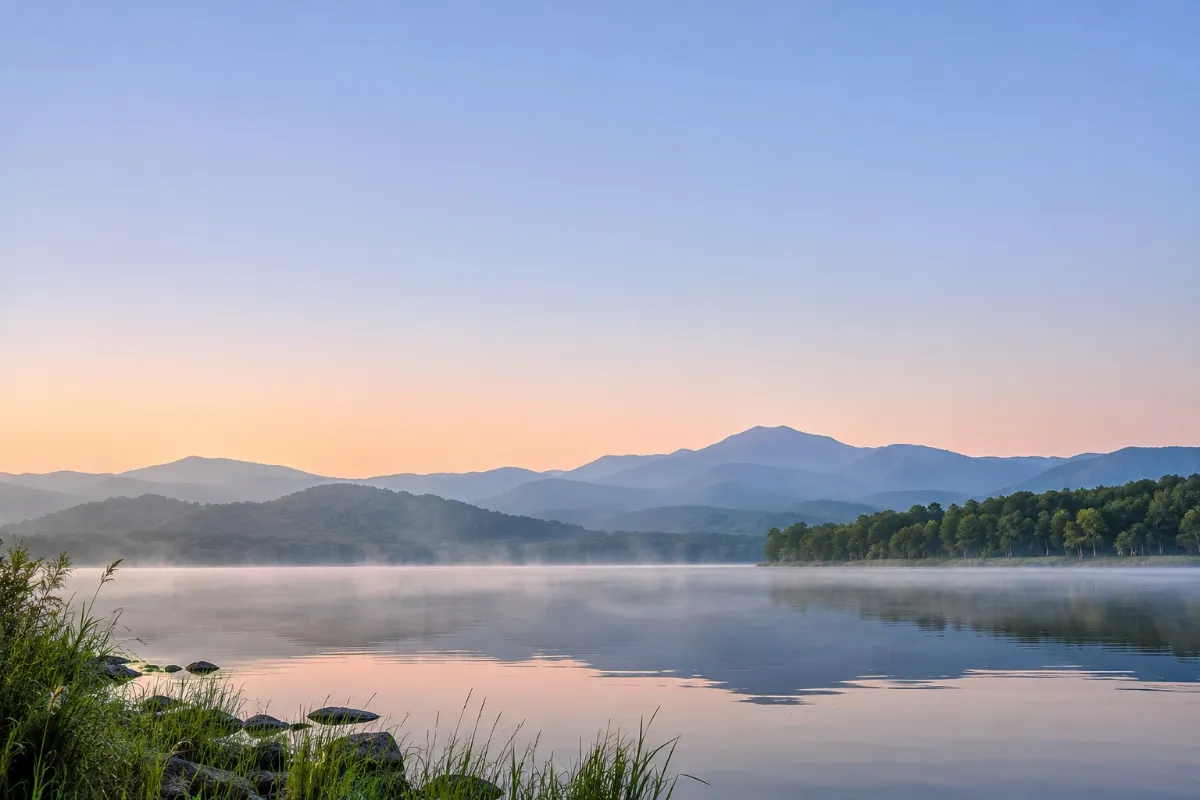
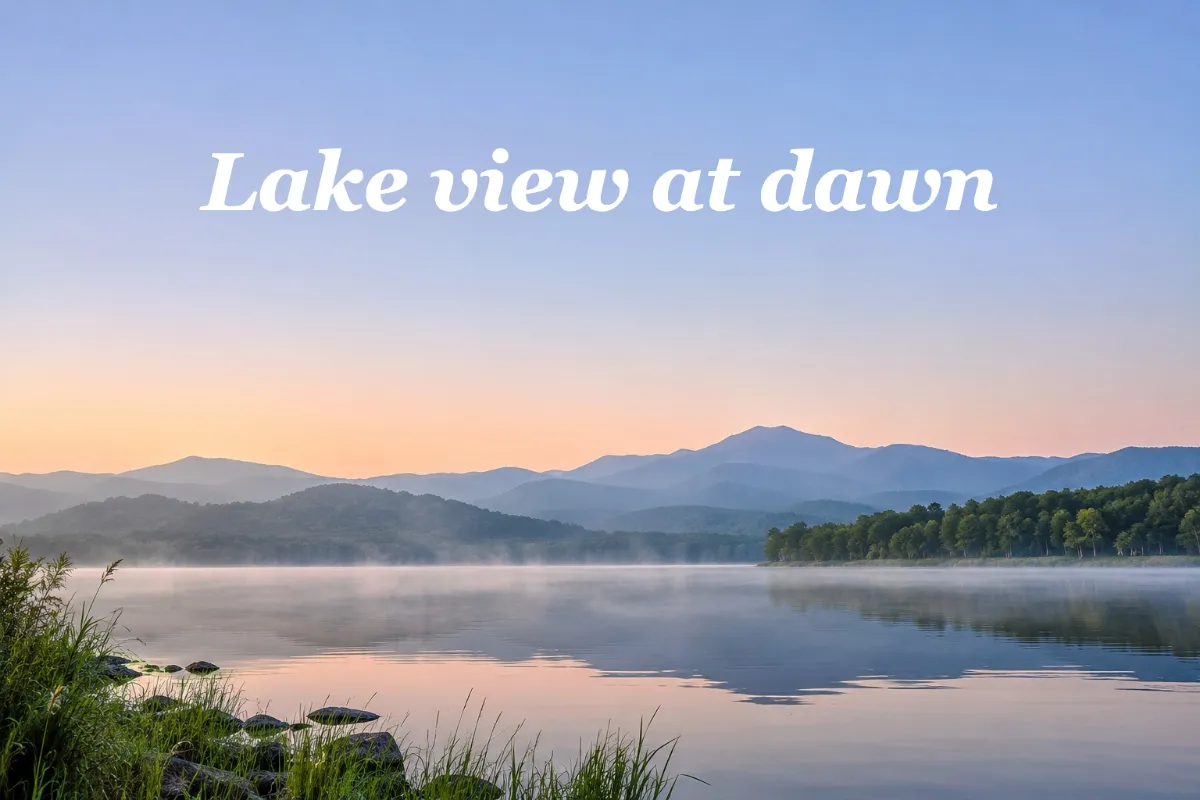
Remove text from photo skies when a caption covers your lake view. Check the cleared sky against its surrounding tones before saving.
If the result needs another try
Letter edges are still visible
Brush over the whole word and its edges. In AI, type the complete word to remove.
The local fill looks soft on a pattern
Try AI for checks or wood grain. Local removal spreads nearby colors and can soften texture. Compare the preview with the original.
The AI preview has a watermark
Free AI previews include a watermark. Buy any credit pack to unlock HD without it; unlocking this result does not use another edit.
The security check did not pass
Press the button again. If it still fails, open the page in a regular browser; some browsers inside other apps cannot complete the check.
The picture cannot be sent
Use a JPG, PNG, or WebP no larger than 10 MB.
Questions before you start
Can I remove text from image files for free?
Yes, on simple backgrounds with local tools. AI needs sign in and gives a watermarked free preview.
Will the background blur when I remove text from image files?
Inspect the fill. Local covers may stand out on texture; try AI for complex backgrounds and review the preview.
Will my download have a watermark?
Local downloads have none. Free AI previews have one. Buy any pack for HD without a watermark.
Does my picture leave the browser?
Local tools keep images in your browser. AI uploads them to our servers to generate results.
Can I remove only one word?
Yes. Brush over that word and check the selection before applying.
Can I remove text from image files in JPG or PNG format?
Use JPG, PNG, or WebP up to 10 MB. Local downloads are PNG.
When is text removal a poor fit?
Text over faces or complex details is harder to remove. AI generates a replacement background, so you need to check facial features and fine details yourself. Use an original without the overlaid text if those details must be accurate.
Remove text from image files
Upload a picture and brush over the text. Inspect the fill before saving.
Choose a picture