Erase text from image online
Brush out date stamps, handwriting, or sticker words. Use free local tools on simple backgrounds; try AI where writing crosses texture.
JPG, PNG, WebP up to 10 MB. Free local tools need no sign up.
Or paste a screenshot (Ctrl+V / ⌘V).
JPG, PNG, WebP. Maximum 10 MB.
Try erase text from image with a sample
Brush over unwanted writing and inspect the cleared area.
Upload a picture to start.
Local tools keep your picture in the browser without uploading it.
- Free local tools, no sign up
- Local edits keep images in your browser
- Local downloads have no watermark
Erase text from image examples
Use Erase text from image for stamps, handwriting, or sticker words. Inspect the cleared area.


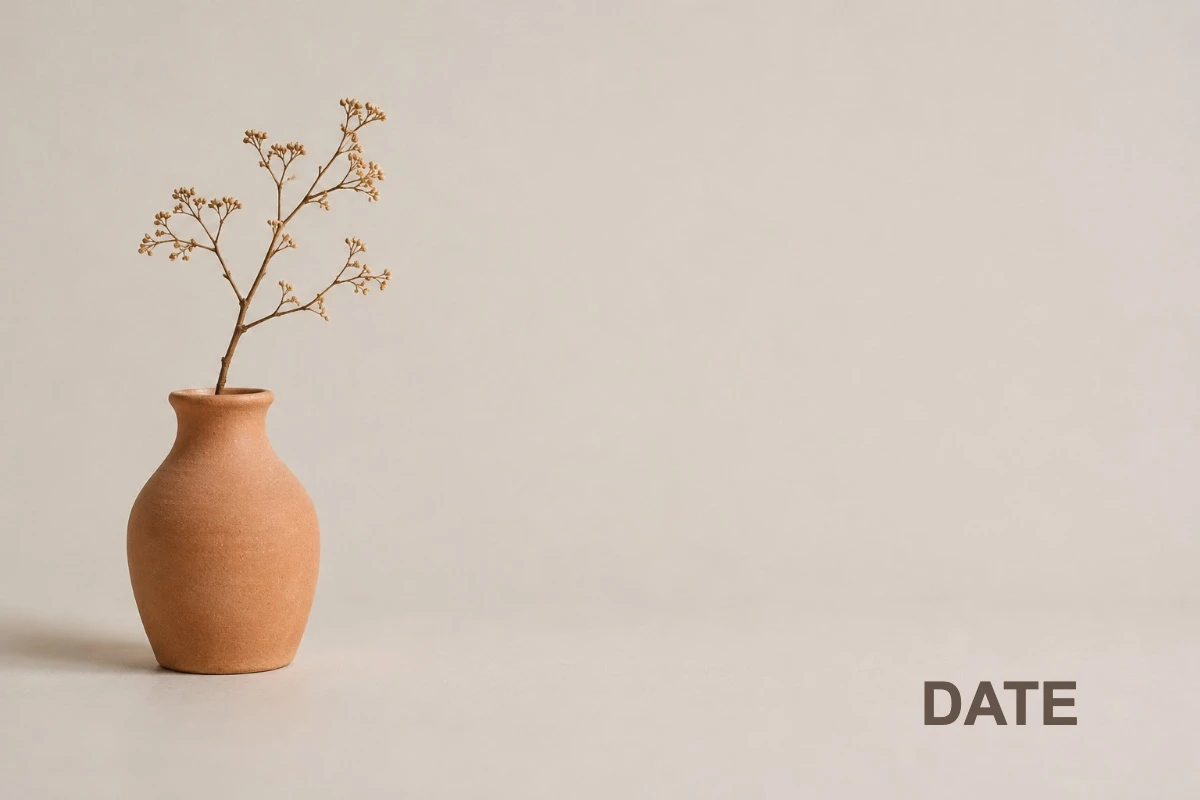
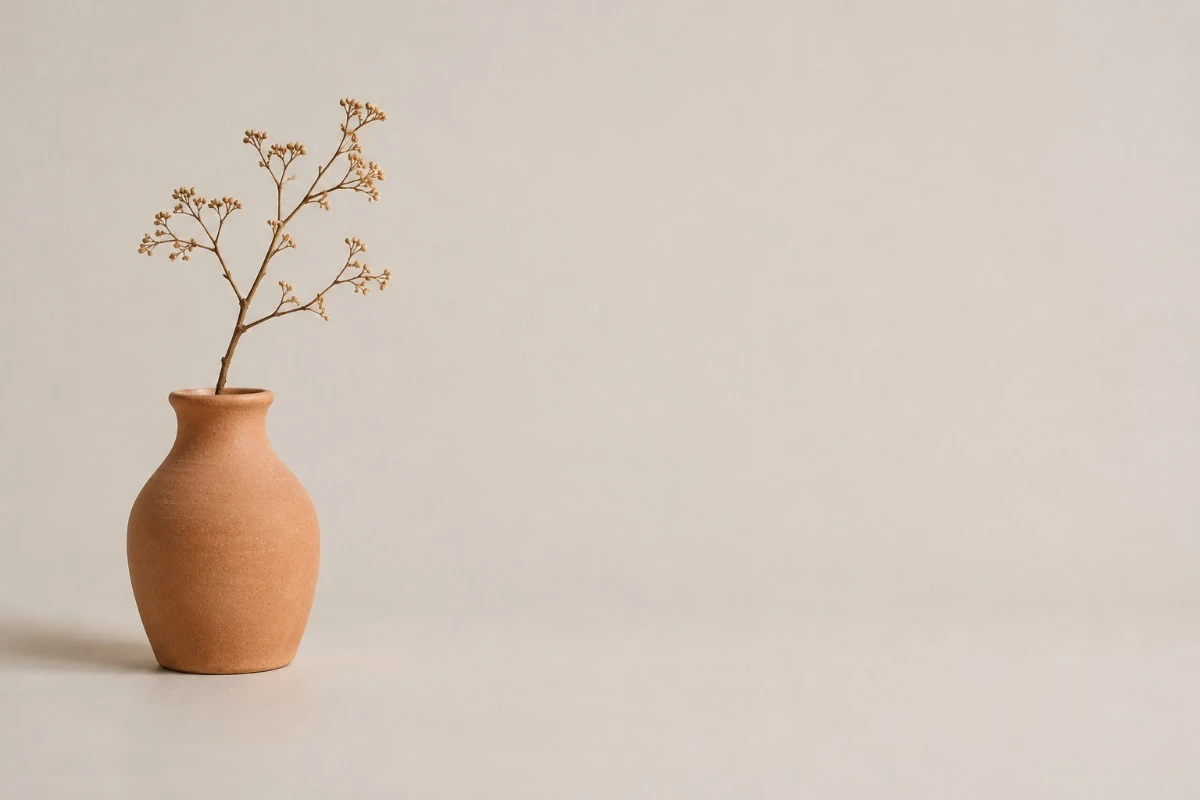
Erase text from image for a date stamp
Erased the date stamp
Brush over the corner stamp. Check the area around its digits.
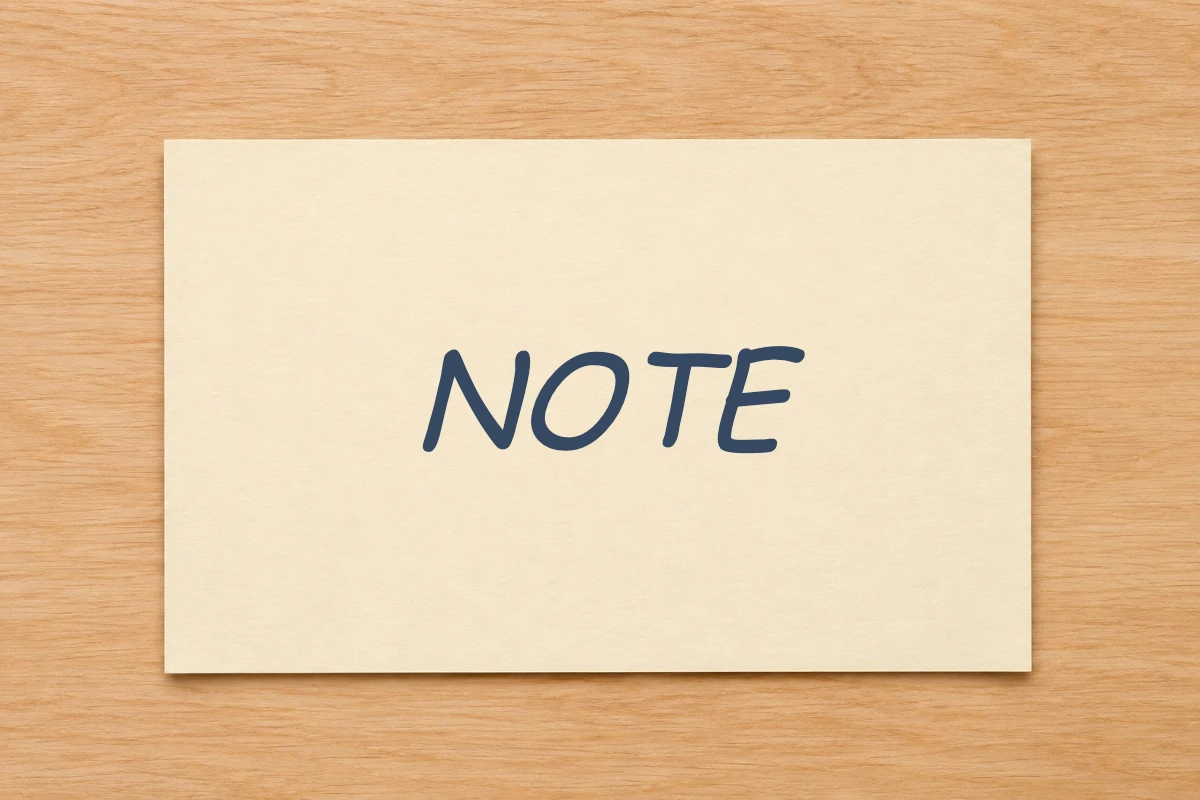
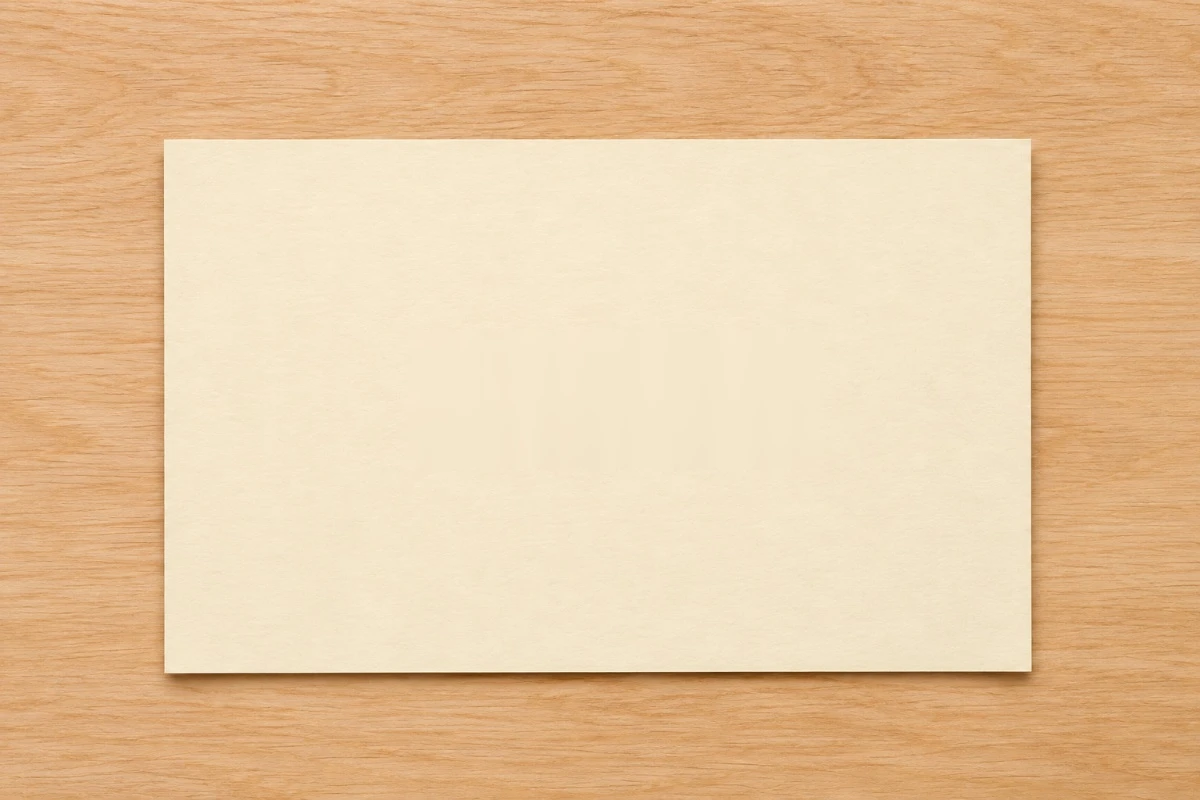
Erase text from image for handwriting
Erased handwritten NOTE
Follow the handwritten strokes on plain paper with the brush.

Erase text from image for sticker words
Erased SALE from a sticker
Erase the word and leave the sticker shape. Try AI if writing crosses a pattern.
How to use erase text from image
Open Erase text from image
Drop, choose, or paste a picture. Find the unwanted writing.
Brush along the writing
Brush close to the writing. Try local erasure on simple backgrounds; AI for complex areas.
Review your erase text from image result
Inspect the cleared area. Undo if needed, then download PNG.
Erase text from image: free tools and AI
Use local tools for free. Try AI for difficult text or backgrounds.
Daily free AI previews
Sign in for 5 daily AI edits across replacement, removal, and translation. Free previews have a watermark.
HD without a watermark
Buy any pack for HD without a watermark. This result unlocks without another edit. From $7, about $0.20 per edit.
Pay once, no subscription
Pay once. No subscription. Full refund within 7 days if the pack is unused.
| Starter | $7 | 35 AI edits | About $0.20 per edit |
|---|---|---|---|
| Plus | $15 | 150 AI edits | About $0.10 per edit |
| Pro | $28.90 | 350 AI edits | About $0.08 per edit |
| Local manual tools | Free, no registration | Still free |
|---|---|---|
| Daily AI allowance | 5 edits after sign in | Edits from your credit pack |
| AI result download | Watermarked preview | HD without a watermark |
| Payment | No payment for local tools | One time credit pack |
Secure checkout through Waffo. Buyers must be 18 or older. Failed AI edits automatically return the credit.
Erase text from image AI credit packsErase text from image tools
Erase text from image with a close selection
Brush along the writing. Keep nearby picture details outside the selection.
Erase text from image on plain paper
Erase writing locally on plain backgrounds. Check the cleared area.
Erase text from image over texture
Try AI behind writing on complex backgrounds. Inspect the generated pattern.
Erase text from image and undo
Undo if you catch nearby details, then brush a smaller area.
When to use erase text from image
Erase text from image for a photographer
Clear a date stamp from a plain photo corner.
Erase text from image for a student
Erase a handwritten worksheet note before reusing the exercise.
Erase text from image for a seller
Erase a sticker word while keeping its shape.
Erase text from image for a designer
Erase watermark text from your own draft on a plain backdrop.
Erase text from image questions
Can I erase text from image files for free?
Yes, on simple backgrounds locally. AI needs sign in and gives a watermarked free preview.
Will Erase text from image make the background blurry?
Check behind the writing. Local covers can stand out on texture; try AI fill and inspect the preview.
Does Erase text from image add a watermark?
Local downloads have none. Free AI previews have one. Buy any pack for HD without a watermark.
Does Erase text from image upload the photo?
Local tools keep images in your browser. AI uploads them to our servers to generate results.
Can I erase just one handwritten word?
Yes. Brush over its strokes and leave other writing outside the selection.
Can I erase a date over a pattern?
Try AI for the complex background. Inspect the filled pattern before downloading.
Can I erase text from image files like date stamps and captions?
Yes: brush over or select the date stamp or caption to erase text from image files with simple backgrounds. Review the download, and only edit images you have permission to change.
Try erase text from image
Select the writing. Check the cleared area before saving.
Open erase text from image